Hello Hyunyong,
The system supports multiple GUIs to be deployed. This us useful if you want a different GUI for every role of the system (Operator, Administrator, etc.).
When you browse to the controller (to access the deployed GRID) you will see the default GUI (the one that you opened first usually). If you want to switch to another GUI you can click the exit button on the top-right of the screen:

You will then see a "grid file overview" screen:
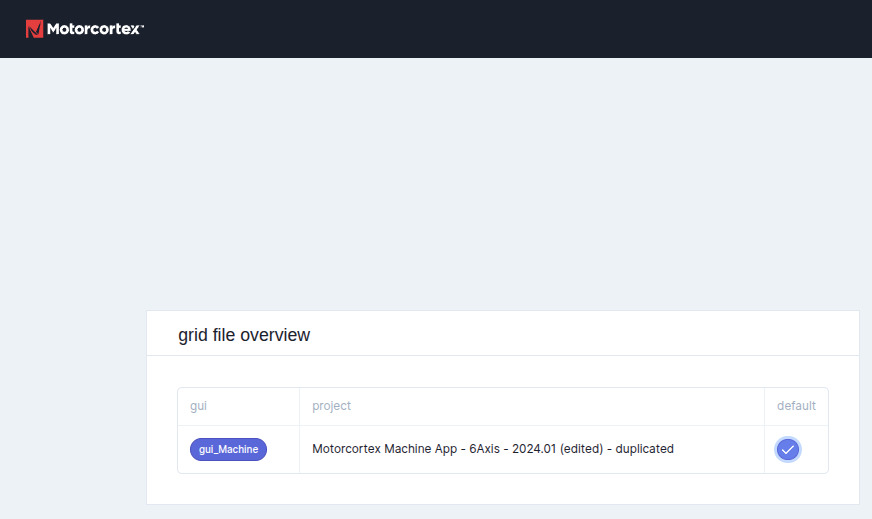
You will see both your GUIs listed there (in the example above I only have one GRID file deployed).
On the right you can select which GUI you want to open by default, so the next time you browse directly to the controller ip, it will automatically open this GUI.
I notices that this part is missing from our documentation, we will add it.

